Jellyfin SmartLists Plugin




Official documentation for the Jellyfin SmartLists plugin.
Create smart, rule-based playlists and collections in Jellyfin — for movies, shows, music, or anything your library holds. A single genre rule takes seconds; stack rules into groups and you can express almost anything. Either way, they keep themselves up to date. The plugin is maintained in the open on GitHub.
The documentation is published twice — a stable site tracking the current release, and a preview site tracking release candidates. If you installed from the unstable manifest, use the preview site.
Requires Jellyfin 12. Jellyfin 10.11 servers stay on v12.0.1.0, the last release built for them.
Project Links
- Source code: github.com/jyourstone/jellyfin-smartlists-plugin
- Releases: GitHub Releases
- Bug reports and feature requests: GitHub Issues
- Questions and community help: GitHub Discussions
- Plugin manifest: Stable · Unstable (RC)
- Documentation: Stable · Preview (RC)
What SmartLists Does
- Builds playlists and collections from rules instead of manual curation
- Refreshes lists automatically when library content or playback state changes
- Supports movies, shows, episodes, music, photos, books, and more
- Lets administrators and regular users manage lists through the Jellyfin web UI
- Supports external sources such as IMDb, TMDB, Trakt, MDBList, Letterboxd, ListenBrainz, and Scrob
Features
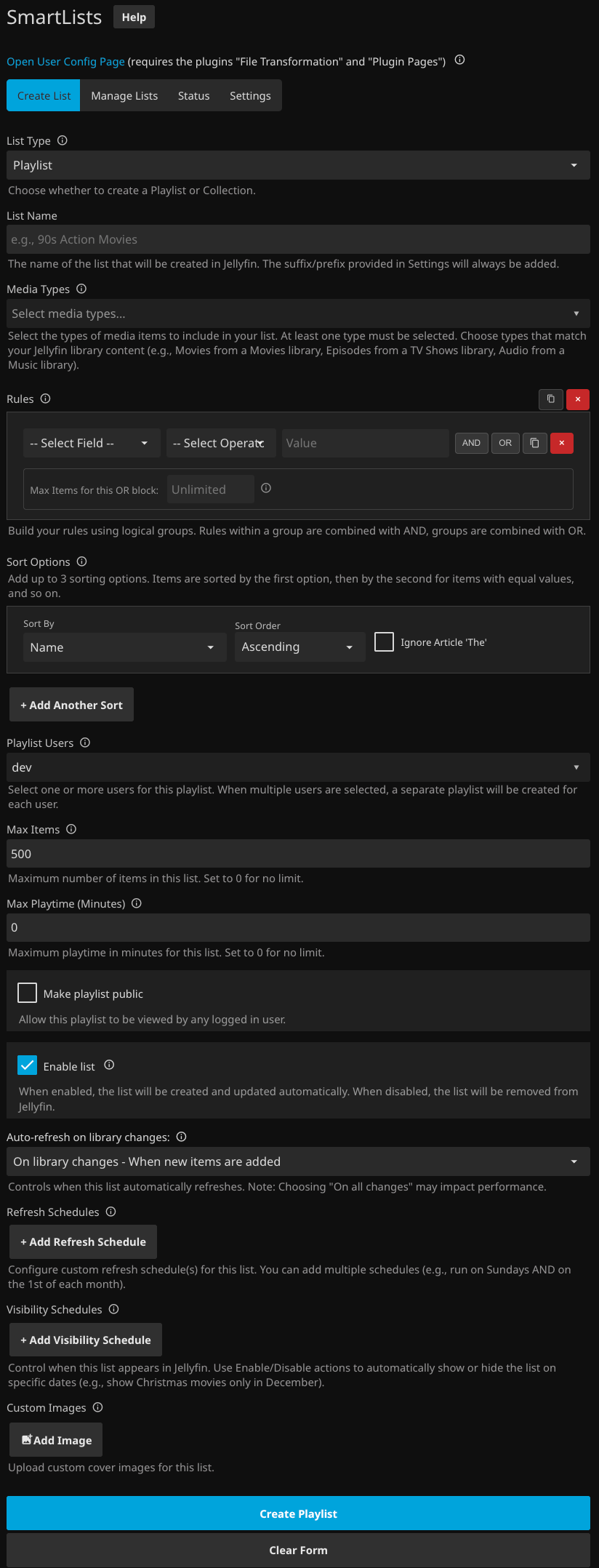
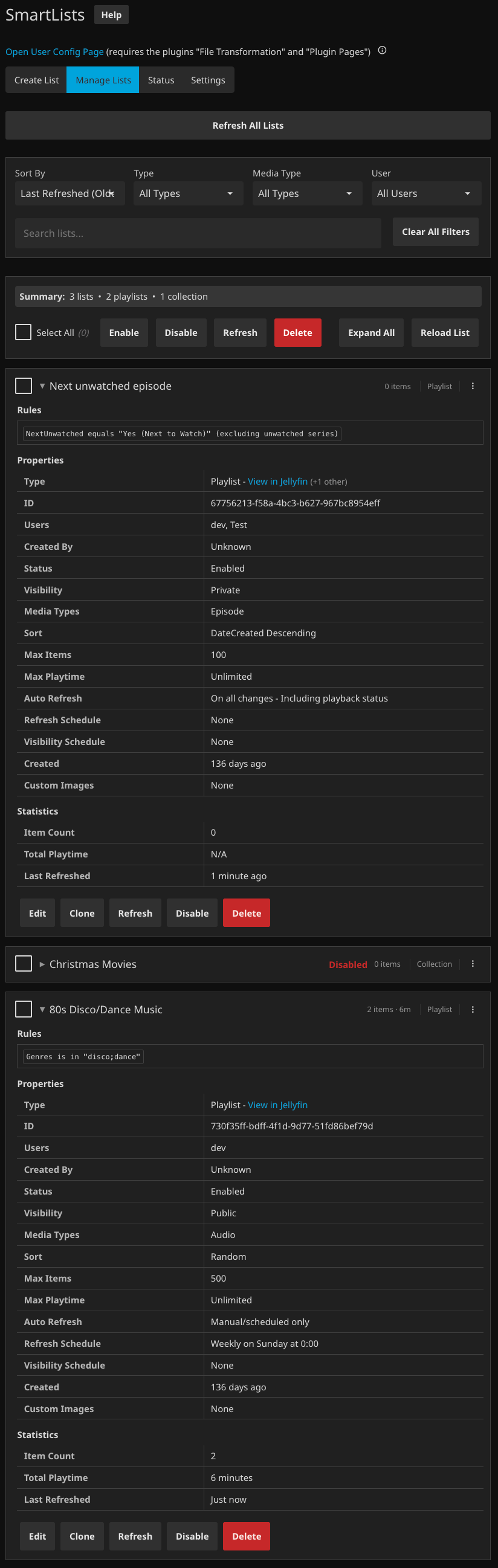
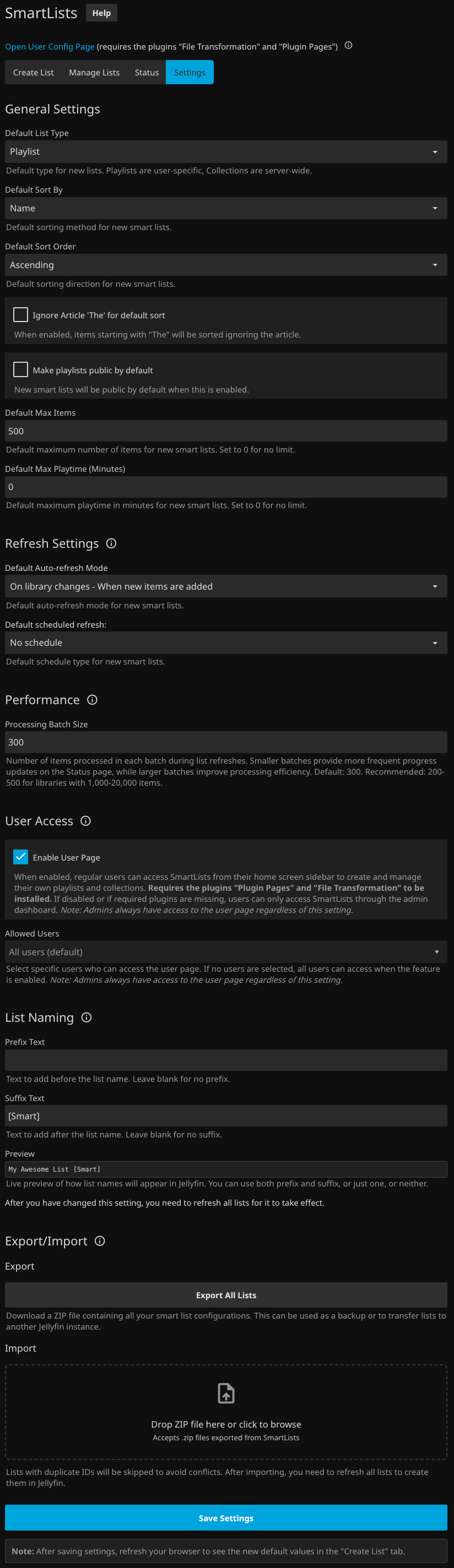
- Modern Web Interface - A full-featured UI to create, manage and view status for smart playlists and collections
- External Lists - Populate lists from MDBList, IMDb, Letterboxd, Trakt, TMDB, ListenBrainz, and Scrob
- User Selection - Choose which users should own a playlist or collection with an intuitive dropdown
- Flexible Rules - Build simple or complex rules with an intuitive builder
- Automatic Updates - Playlists and collections refresh automatically on library updates, playback status changes, or via scheduled tasks
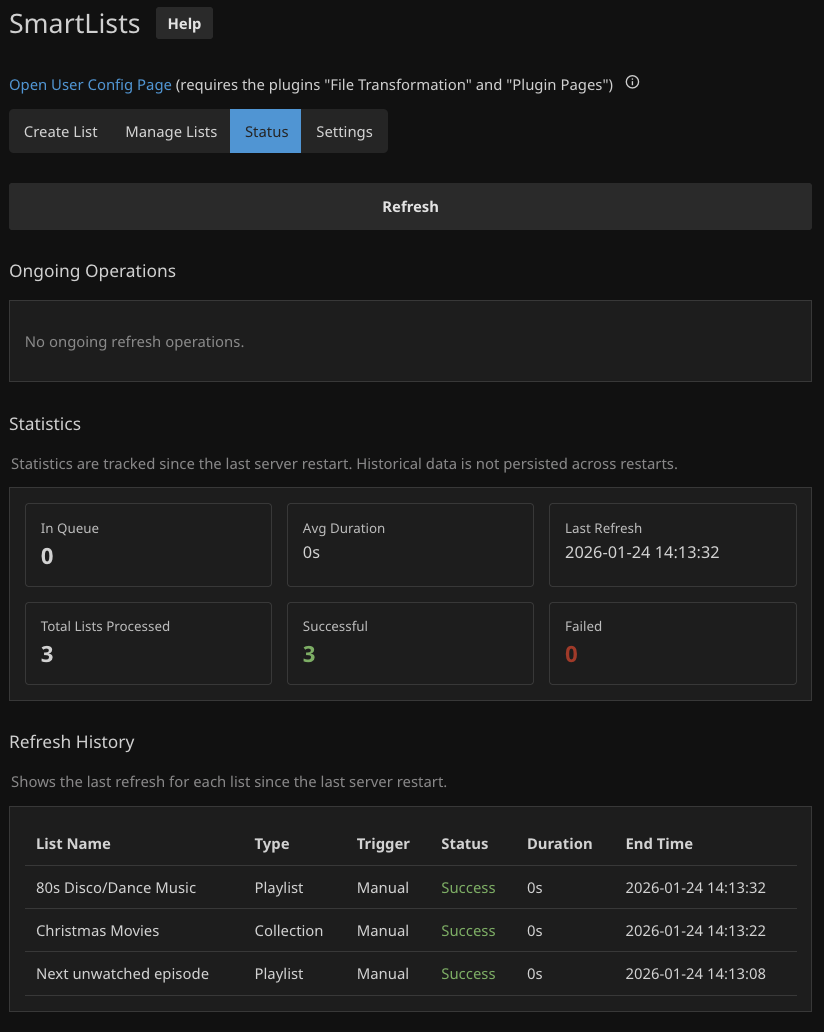
- Refresh Status & Statistics - Monitor ongoing refresh operations with real-time progress, view refresh history, and track statistics for all your lists
- Media Types - Works with all Jellyfin media types
- End User Config Page - Let regular users manage their own smart lists from the home screen (requires Plugin Pages and File Transformation plugins)
- Templates - Start from built-in templates - TV channel round-robin, Continue Watching, external-list imports, album roulette, and more
Screenshots
Supported Media Types
SmartLists works with all media types supported by Jellyfin:
- Movie - Individual movie files
- Series - TV shows as a whole (can only be used when creating a Collection)
- Season - TV show seasons (can only be used when creating a Collection)
- Episode - Individual TV show episodes
- Audio (Music) - Individual music tracks and songs
- Album (Music) - Entire music albums (can only be used when creating a Collection)
- Music Video - Music video files
- Video - Personal home videos and recordings and extras (trailers, interviews etc.)
- Photo (Home Photo) - Personal photos and images
- Book - eBooks, comics, and other readable content
- Audiobook - Spoken word audio books
Quick Start
- Install the Plugin: See Installation Guide
- Access SmartLists:
- Regular Users: Click "SmartLists" in your home screen sidebar (requires administrator to configure allowed users in Dashboard → My Plugins → SmartLists → User Selection)
- Administrators: Go to Dashboard → Plugins → SmartLists
- Create Your First List: Use the "Create List" tab
- Example: Create a playlist or collection for "Unwatched Action Movies" with:
- Media type: "Movie"
- Genre contains "Action"
- Playback Status = Unplayed
Maintenance Notes
This project uses AI-assisted development, but the plugin and docs are reviewed, tested, and maintained through the public GitHub repository. If you find something unclear or incorrect, please open an issue or discussion so it can be fixed.